Before the light
Voicemail was invented in 1979.
It has not improved since.
Every phone in the world still ends the same way: a recording of someone's voice, saved into a box, waiting for a person who is not going to listen to it. We all quietly agreed to stop using it, and then never replaced it with anything.
So the call just evaporates. Most people who reach a voicemail hang up without leaving anything. The ones who do leave forty seconds of "hi, it's me, call me back" — no name, no reason, no number, nothing you can act on. You hear it two days later at double speed, and then start a game of phone tag neither of you wanted to play.
For a business it isn't an inconvenience, it's revenue walking out the door. A customer who reaches your voicemail doesn't wait for you to call back. They call the next name on the list. Nobody ever built the fix, because answering the phone is unglamorous, relentless, low-status work — exactly the kind of work that should have been handed off years ago.
A missed call isn't a message you'll get later.
Most of the time it's a person you'll never hear from again.
What she is
Not a menu. A conversation.
thea is not a phone tree, and there is nothing to press. She answers, says plainly who she is, and talks with whoever called — listening, following the thread, and asking the single question that turns a message into something you can act on. "When's a good time?" "Which address?" "Is this urgent, or can it wait until Monday?"
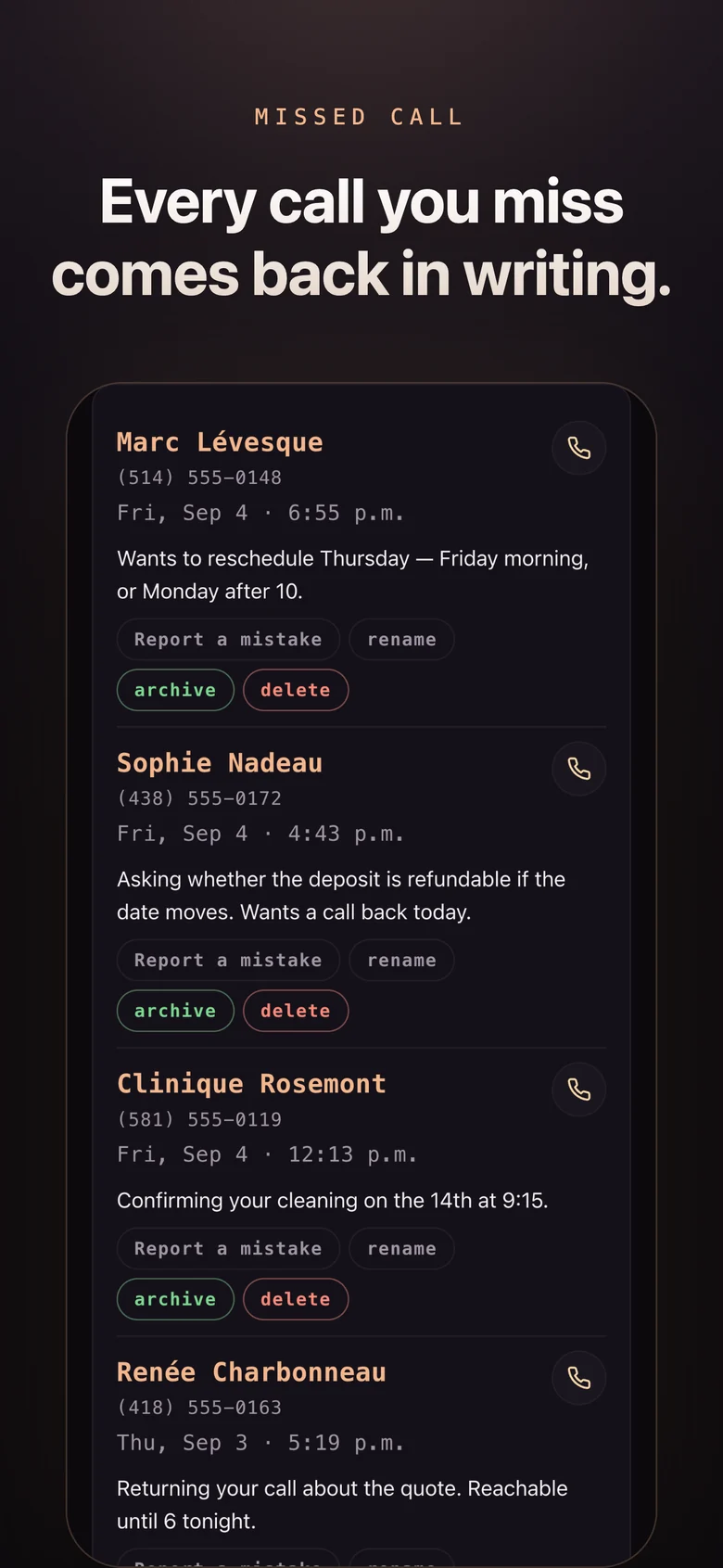
Then she writes it down. You don't get a recording to sit through — you get two lines telling you who called, what they need, and whether it can wait. The full transcript is there if you want it. Most of the time you won't.
The point isn't that she answers.
It's that you never listen to
a voicemail again.
Door one · for you
She answers what you miss.
You're driving, you're in a meeting, you're with your kids, or it's a number you don't recognise and you're simply not going to pick that up. Same outcome every time today. Here's the same moment, both ways.
Today · voicemail
- 1The phone rings at the worst possible moment. You let it go.
- 2It hits the beep. Roughly half of callers hang up right there — you'll never know they called.
- 3The rest leave forty seconds of "hi, it's me, call me back." No reason, no number.
- 4You listen two days later, at 1.5×, still with no idea what it's about.
- 5You call back. They don't answer. Now they're the one with a voicemail.
- 6Repeat until one of you gives up. Usually the thing just doesn't happen.
With thea
- 1She picks up on the second ring and says she's your assistant. Nobody is ever confused about who they're talking to.
- 2She has a real conversation. No menu, no beep, no "press one." People just talk to her.
- 3She asks the follow-up you would have asked. The address, the time, the account number, how urgent it really is.
- 4You get two lines, not a recording. Who called, what they want, whether it can wait.
- 5Urgent reaches you now. Everything else waits until you're free — your rules, not the caller's.
- 6You call back once, already knowing what it's about. Or you don't, because she handled it.
Getting started
Four steps, and none of them are a phone system migration.
Turn your voicemail off
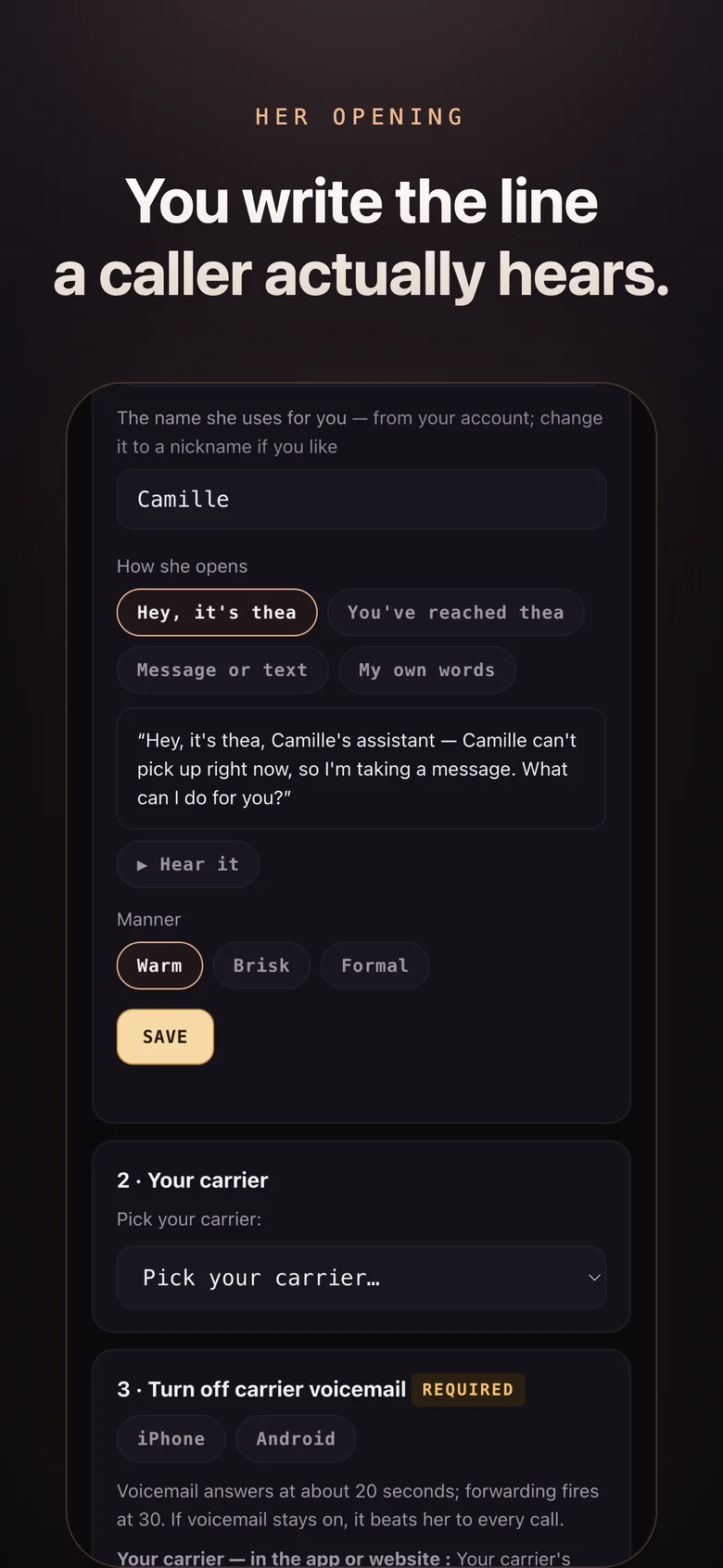
Not optional, and it comes first. Voicemail answers at about twenty seconds; forwarding only fires at thirty — so if it stays on it wins every call. She never hears the phone ring, and you would swear she was broken. Only your carrier can switch it off, not your handset, and the app gives you the exact steps for yours.
Give her a number
Take a new one from us, or forward your existing line when you don't pick up. Nothing about your current setup has to change, and you can undo it in a minute.
Tell her about you
Hours, address, services, prices, who to transfer to, what counts as urgent. A form, not a project — and you can talk it through with her instead of typing.
Stop answering
She picks up what you don't. You get summaries. You adjust the rules for a week or two, and then you mostly forget she's there.
The scope
Everything she does
She is one assistant, not a suite. These are the things she does on a call, and every one of them works today.
Answering
Every call, on the second ring, at any hour. She opens by saying she's an assistant — always, with no setting to turn it off.
The follow-up question
The thing voicemail can't do. She asks for the address, the time, the account number, the one detail that turns a message into an action.
Two-line summaries
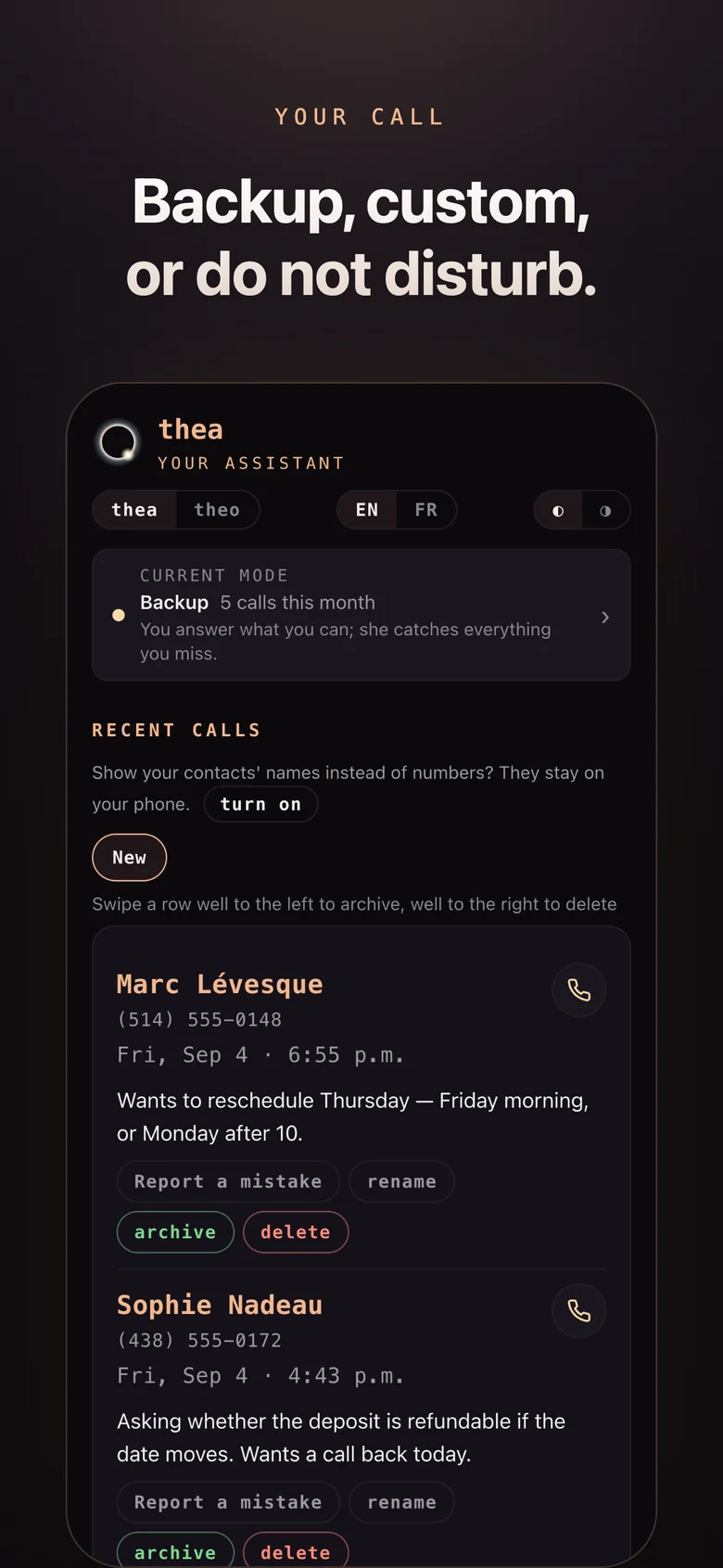
Who called, what they want, whether it can wait — delivered by text or email seconds after the call ends. The recording stays available; you won't need it.
Urgency rules
You decide who reaches you immediately, who waits for the evening digest, and what words make something an emergency.
English and French
On the same number, switching to whichever the caller uses — mid-sentence if that's what they do. Built for Quebec, not translated for it.
Transcripts
Every call written down, tagged and searchable, exportable whenever you want it. Per-caller history, so she knows this is the third time they've rung.
The app
This is what you get on the first day.
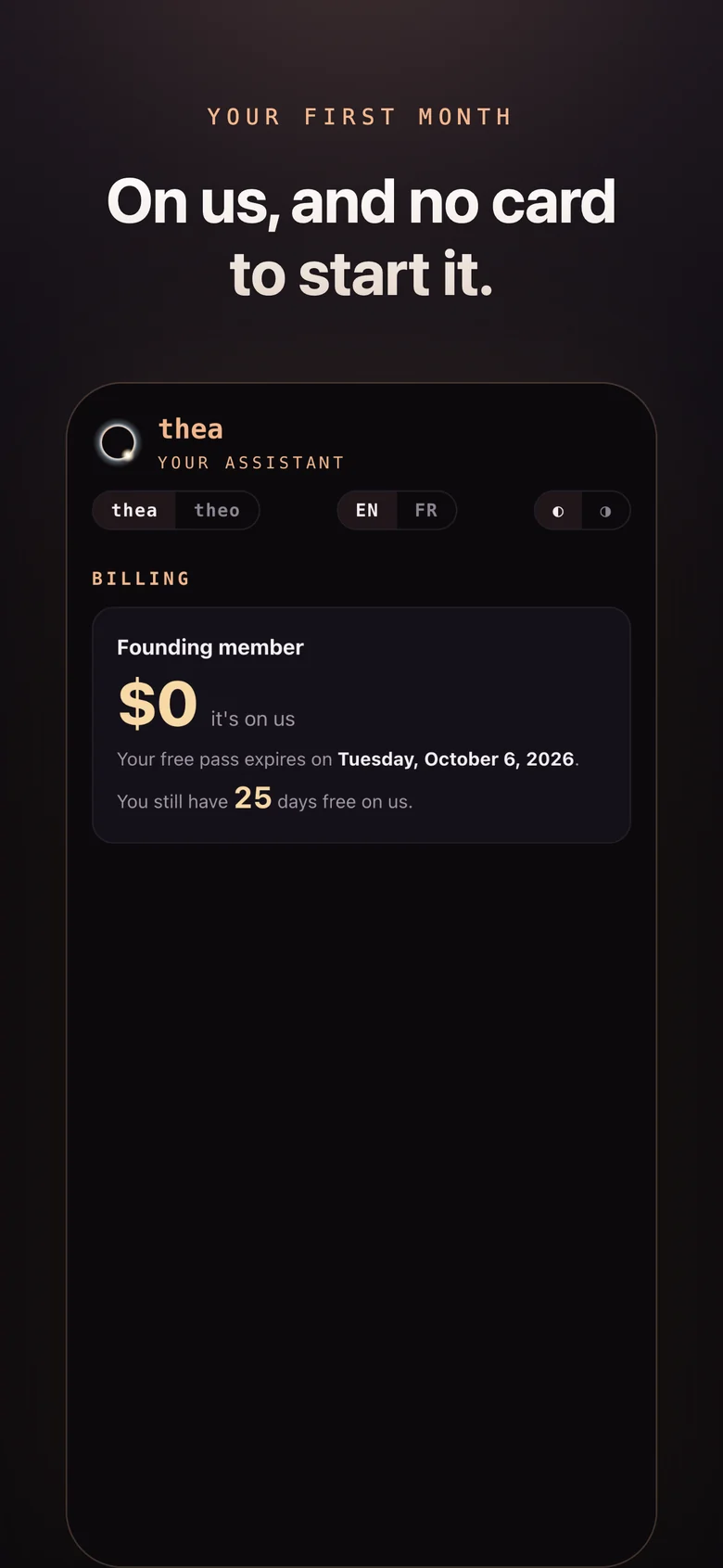
Real screens from the live app, not drawings. The service is the phone line; the app is where you read what she took and tell her how to behave.
Questions
The ones people actually ask.
What number does she answer on?
Do I get a new phone number?
What happens when my phone is off, or dead?
Does the caller know they are talking to an assistant?
What if I am not in Montréal, Québec City or Sherbrooke?
Can I stop?
thea is open. Sign up free — or hear her first: the live demo takes ninety seconds.
Sign up freeTry her nowFive minutes from now, she can be answering your phone. Open thea in your browser, confirm your number, dial one forwarding code. No app to install, no new SIM, no new number, nothing to install on your line.